CAN Convertor DSG Firmware Update
Use the built-in Wi-Fi updater with the correct firmware and filesystem files for your CAN Convertor DSG.
Before you update
Read the DSG release notes and check your model, serial number and installed versions in the web interface. If you have an older or unidentified unit, confirm compatibility with support before choosing a file.
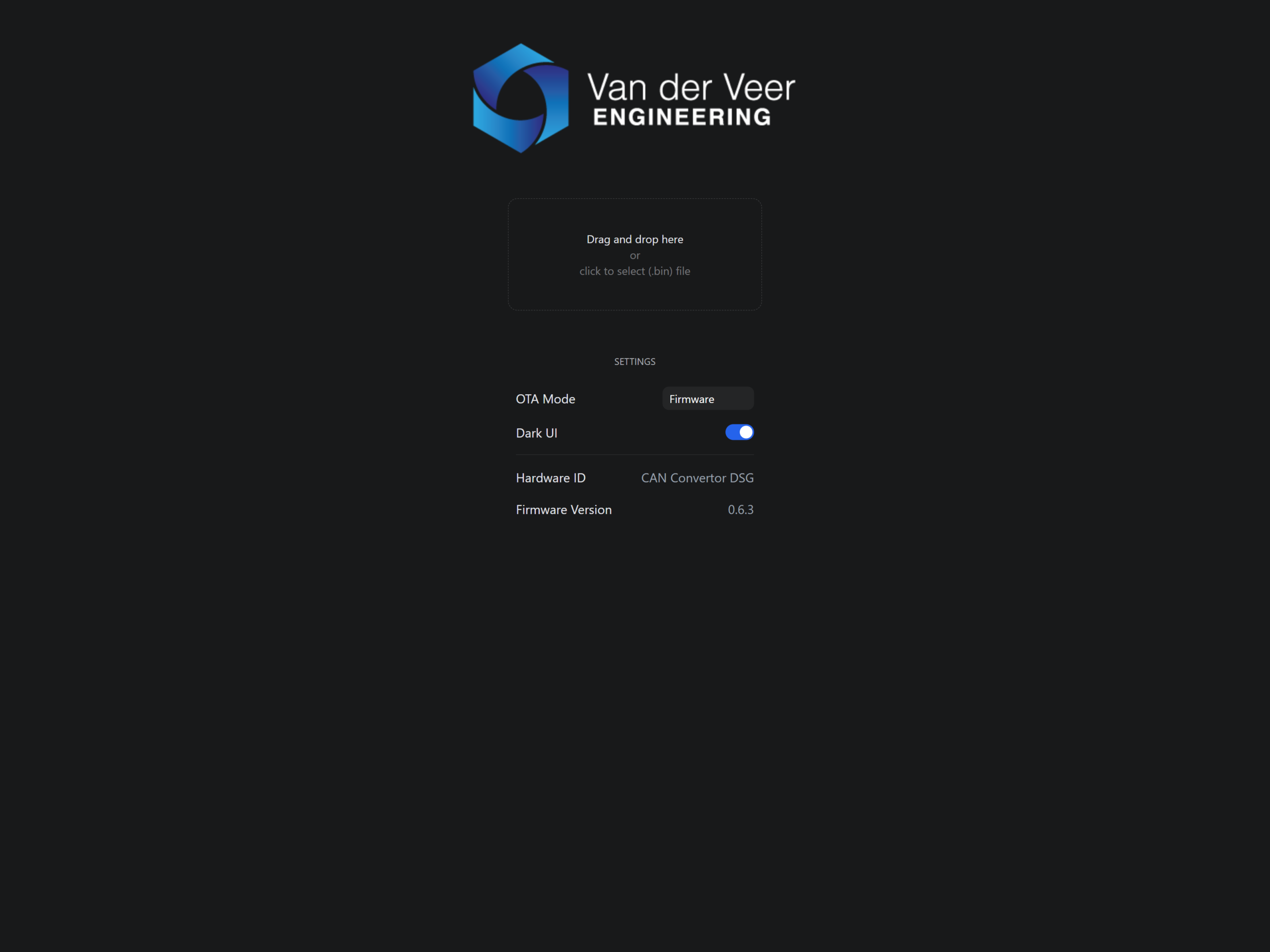
Keep the convertor powered and stay connected during each upload. Selecting or dropping a file starts the update.
Download and identify the files
Download the official CAN Convertor DSG firmware ZIP and extract it before joining the convertor’s Wi-Fi network. This link serves the current published package. Use the main firmware and filesystem files intended for the same release.

| Update mode | File name pattern |
|---|---|
| Firmware | CANConvertorDSG-vX.Y.Z.bin |
| Filesystem / SPIFFS | CANConvertorDSG.spiffs-vX.Y.Z.bin |
Update the main firmware
- Connect to the convertor’s Wi-Fi and choose Update in the web interface.
- Check that the updater shows the CAN Convertor DSG Hardware ID. Set OTA Mode to Firmware.
- Select the main firmware
.binfile. Wait for the updater to confirm success. - Reconnect to the convertor’s Wi-Fi if needed.
Update the filesystem
- Open Update again and select the filesystem option in OTA Mode.
- Select the corresponding
CANConvertorDSG.spiffs-…binfile and wait for the uploader to confirm success. - Reconnect if needed and check the firmware and filesystem versions on Home or Information.
If an upload fails, contact support with the file name, convertor model and the message the updater displayed.